As we kick off the new year and schools are about to resume, the increasing demands of education can only be better managed with the help of technology. As teachers return to the classroom in the new term, one thing is certain: their digital skills will be called into action.
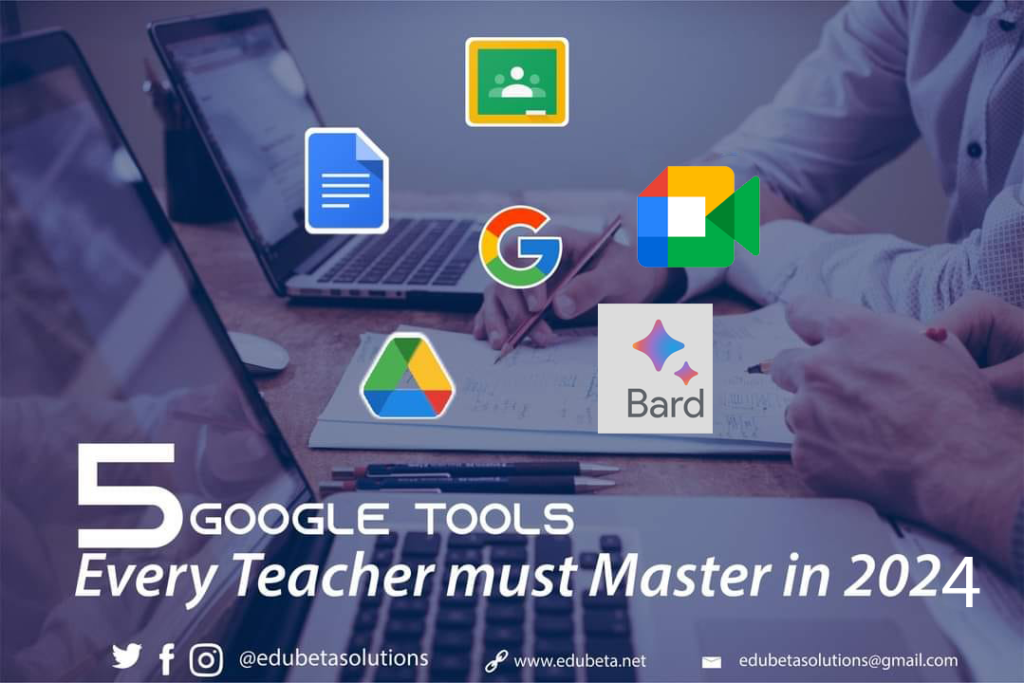
Below are the 5 most important Google Digital Tools every teacher will need in the new year and must master.
1. Google Classroom: You and I know that Digital School has come to stay…pandemic or not. Teaching and learning have grown out of the physical classroom. Teachers must now know how to use E-Learning Apps to enhance and promote learning. Create lessons online, animated notes, and use audiovisuals and links.
2. Google Drive: Every teacher should know how to cultivate the use of cloud storage for all kinds of files, documents, links, and reports. With Google Drive, teachers will not have the fear of losing important files like Curriculum, Academic reports, Scheme of work, or highly confidential materials.
3. Google Doc: Doc is an alternative to Microsoft Word – a simple Word Processing Document for Teachers to type in Exam Questions, Reports, Scheme of Work, and Research output without the fear of losing such documents to any unforeseen circumstances.
4. Google Meet: Google Meet is a video conferencing tool that allows for virtual classrooms, meetings, and collaborations. Teachers must be able to conduct live video sessions with students, share their screens, and facilitate discussions. Also, integrating it with other Google tools like Classroom to make a seamless solution for remote or hybrid learning.
5. Google Gemini: Formerly called Google Bard. This Artificial Intelligence Tool from Google can be used for research, process questions, and aid content creation. Teachers should be able to prompt and use it to improve the teaching and learning experience.
So, here you have it. Dear Teachers, as you begin your journey this year, add these to your skill set and watch how you stand out from others.
Olaniyi Olajide

2 Responses
Fantastic tools. Thanks so much and God bless you richly.
You are welcome. Glad you found them useful.