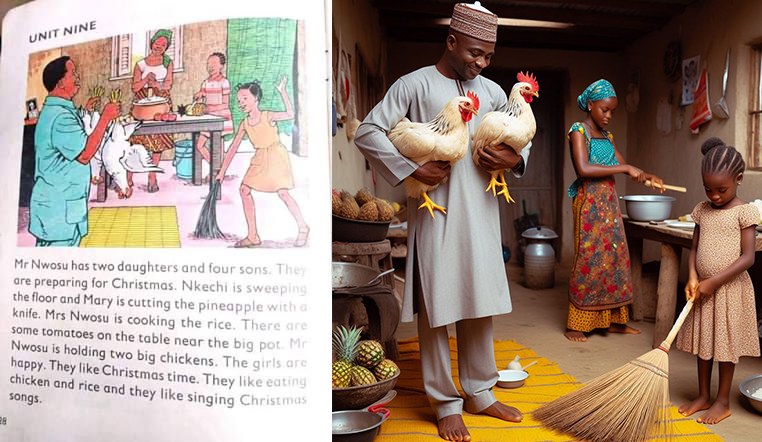
Generate AI Images like this in less than a minute.
1. Go to the Play Store/ App Store and download the Bing AI App or visit: https://www.bing.com/images/create

2. Sign up if you don’t already have a Microsoft Account.
3. Click on the “Image Creator” menu and enter your text prompt. For the Image above, I will be dropping the text prompt I used in the comment section.
4. You can also click the “surprise me” button, and the app will generate a random image for you.
5. Study the text prompts of the images already generated. This way, you will get better and more creative with prompting.

Happy Prompting!

2 Responses
I am interested
@Paience Okeke
I have a dedicated section on Facebook where I do talk about AI in Education. This is the link below
https://www.facebook.com/media/set/?set=a.6989954927739818&type=3
You can check it out and follow me for me.
Follow the steps I have laid out in the post and you can make further comment if you need any help.